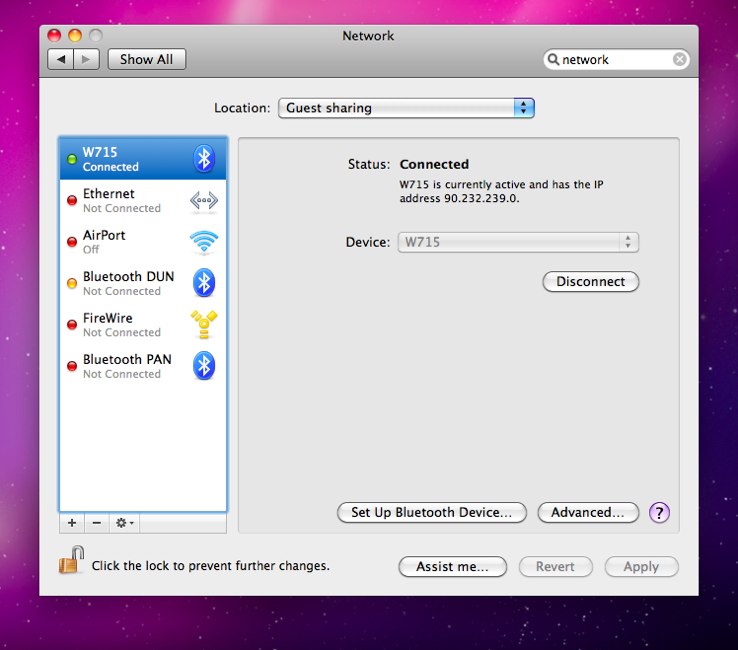
If you want to access the internet via your phone 3G/GPRS connection you can use Bluetooth PAN. In my case I have a Sony Ericsson W715 so the first thing to do is to tell the phone which connection to use Menu > Settings > Connectivity > Bluetooth > Data accounts and select the account that you normally use to browse the net from the phone.
Then turn on bluetooth
Then in the mac:
-
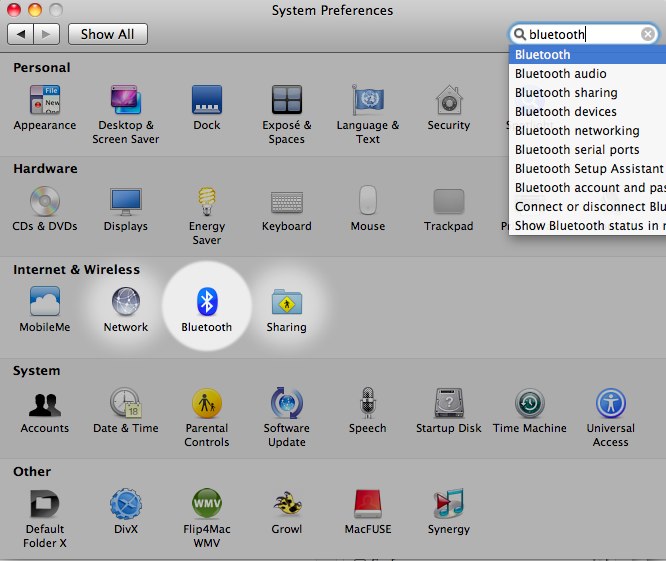
Go to System Preferences > Bluetooth
-
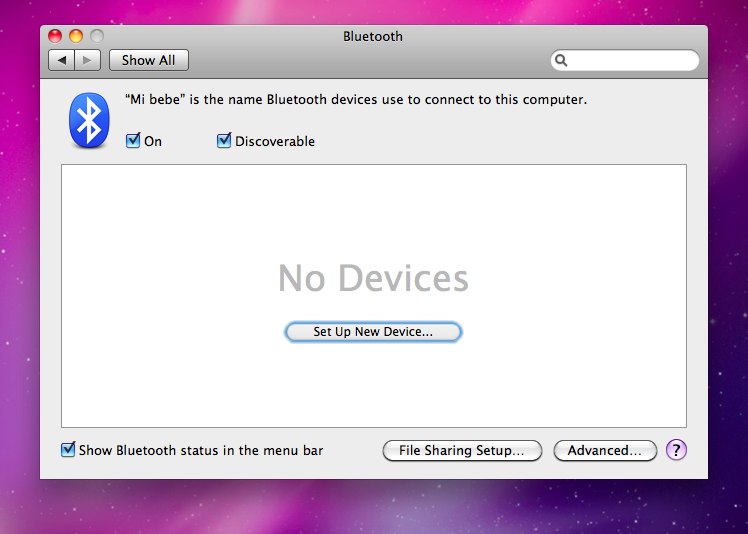
Set up new device.
-
Set up a new device
-
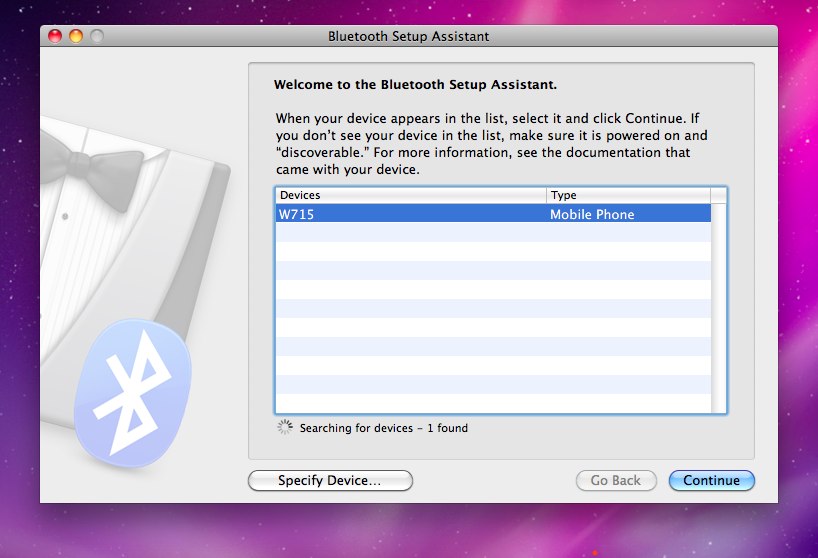
Click on continue
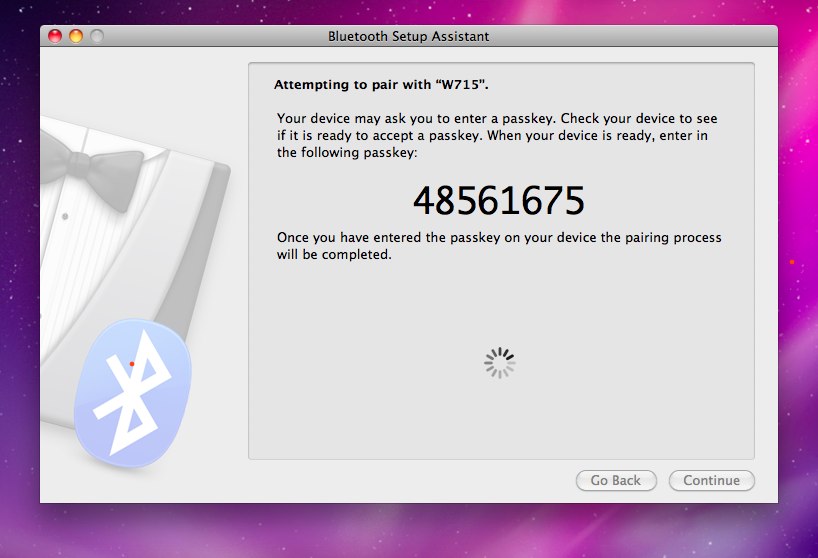
Then a screen will appear with a passcode that you have to enter in your phone to do the pairing. if the phone ask you if you want to start the remote control say yes.
-
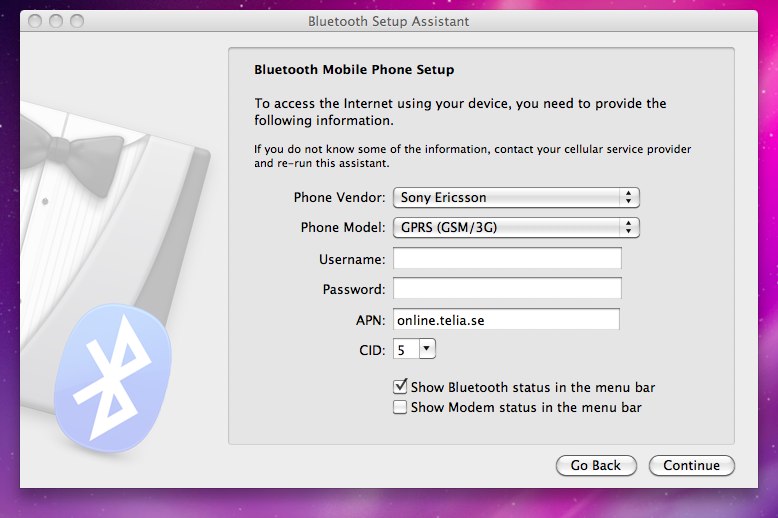
In the next screen enter your phone model and apn in my case its online.telia.se and he cid i used 5 because i think itsd unused
See summary and click quit
-
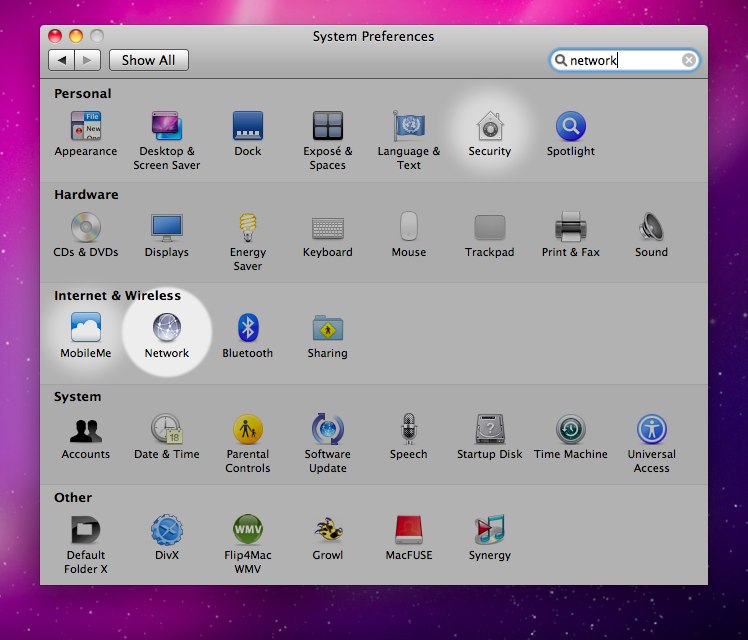
Go to System preferences > Network
-
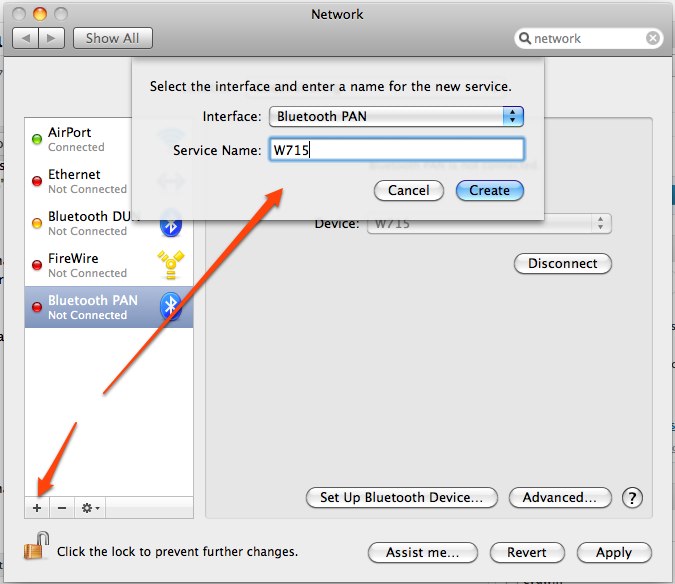
There is a "Bluetooth PAN" already but that one won't work: you need to create a new connection
Press the “+” in the bottom left corner. Set the interface to “Bluetooth PAN” Set the name of the connection to whatever you like. I just typed “W715” in my case.
-
Turn off Airport or any other connection that you may be using and the go to your newly created connection and click on "Connect"